Softude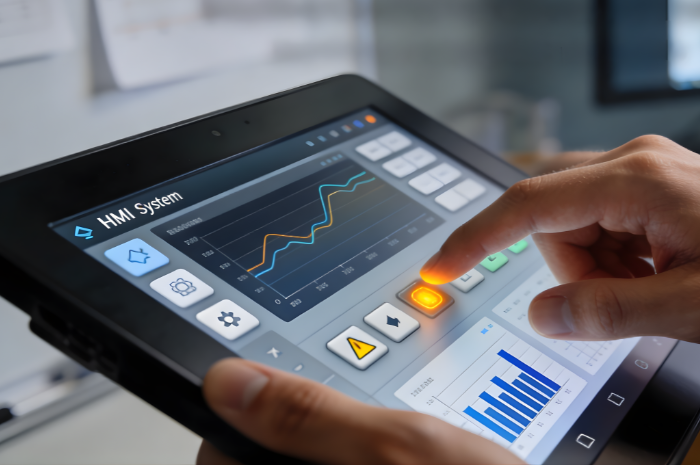
In today’s highly automated and data-driven industries, Human Machine Interface (HMI) systems serve as the primary communication bridge between humans and machines. Operators rely on HMI systems to monitor performance, control processes, identify issues, and make critical decisions in real time. Therefore, the way an HMI is designed has a direct impact on how efficiently operators can work and how frequently errors occur. High-quality HMI software development focuses not only on functionality but also on usability, clarity, and human behavior, making it a key factor in overall operational success.
Understanding HMI and Its Importance
Human Machine Interface refers to the visual and interactive layer that allows users to interact with complex systems. This includes control panels, dashboards, industrial touch screens, mobile interfaces, and web-based systems. Behind every interface lies a structured process of HMI development, where designers and engineers work together to ensure that the system communicates information effectively and supports operator workflows.
In industrial environments, operators often manage large volumes of real-time data. Without well-planned HMI software, this data can become overwhelming and difficult to interpret. A properly designed HMI ensures that information is presented in a way that aligns with how humans think, perceive, and respond, ultimately reducing mental effort and increasing productivity.
A well-designed HMI helps operators to:
- Quickly understand system conditions
- Identify problems before they escalate
- Execute tasks with confidence
- Maintain focus in high-pressure situations
How HMI Design Improves Operator Efficiency

Efficient HMI design is centered around making the operator’s job easier and faster. Through thoughtful HMI application development, systems are built to reduce unnecessary actions, eliminate confusion, and streamline workflows. When operators can interact with machines naturally and intuitively, productivity increases and training time decreases.
1. Clear and Intuitive Layout
A clean and logical layout is one of the most important aspects of HMI software development. Screens should be structured in a way that follows natural human reading and navigation patterns. Important controls and indicators must be placed where users expect them to be, ensuring that operators can find what they need without hesitation.
2. Effective Data Visualization
Modern HMI development relies heavily on visual elements such as charts, graphs, icons, and color indicators. Instead of forcing operators to analyze raw numerical data, visual representation allows them to understand trends and system behavior at a glance.
3. Faster Decision Making
When HMI software provides real-time, well-organized information, operators can respond quickly to changes. This is especially critical in industries like manufacturing, power generation, and chemical processing, where even small delays can lead to costly consequences.
4. Reduced Cognitive Load
One of the main goals of HMI application development is to minimize mental strain. By removing unnecessary elements and highlighting only relevant data, operators can stay focused and avoid information fatigue.
How Poor HMI Design Increases Errors

While good HMI design enhances performance, poor design can significantly increase the risk of human error. Inadequate HMI software development often results in confusing interfaces that force operators to rely on memory, guesswork, or trial and error, which can be dangerous in critical environments.
Poor HMI development does not just slow down work- it can directly contribute to accidents, system failures, and production losses.
1. Information Overload
When too much information is displayed at once, operators may struggle to identify what is important. This is a common issue in poorly executed HMI application development, where every data point is shown without prioritization.
2. Inconsistent Design Elements
Inconsistent fonts, colors, and controls across screens make HMI software harder to learn and use. Operators must constantly adapt, increasing cognitive effort and the likelihood of mistakes.
3. Poor Alarm Management
Alarms should guide operators, not overwhelm them. In flawed HMI development, alarms are often excessive or poorly categorized, causing operators to ignore them or respond incorrectly.
4. Lack of User-Centered Design
If HMI software development ignores real operator workflows, the system may feel unnatural and inefficient. Operators may be forced to navigate through complex menus or perform unnecessary steps, which increases frustration and error rates.
Key Principles of Effective HMI Design
To create interfaces that truly support operators, organizations must follow proven principles during HMI application development. These principles focus on aligning technology with human behavior and cognitive abilities.
Effective HMI development is guided by:
- User-centered design to match real operational needs
- Consistency across screens and controls
- Simplicity to avoid visual clutter
- Real-time feedback for every user action
- Error prevention mechanisms such as confirmations and warnings
By applying these principles, HMI software becomes a powerful tool that enhances both performance and safety.
The Future of HMI and Operator Performance
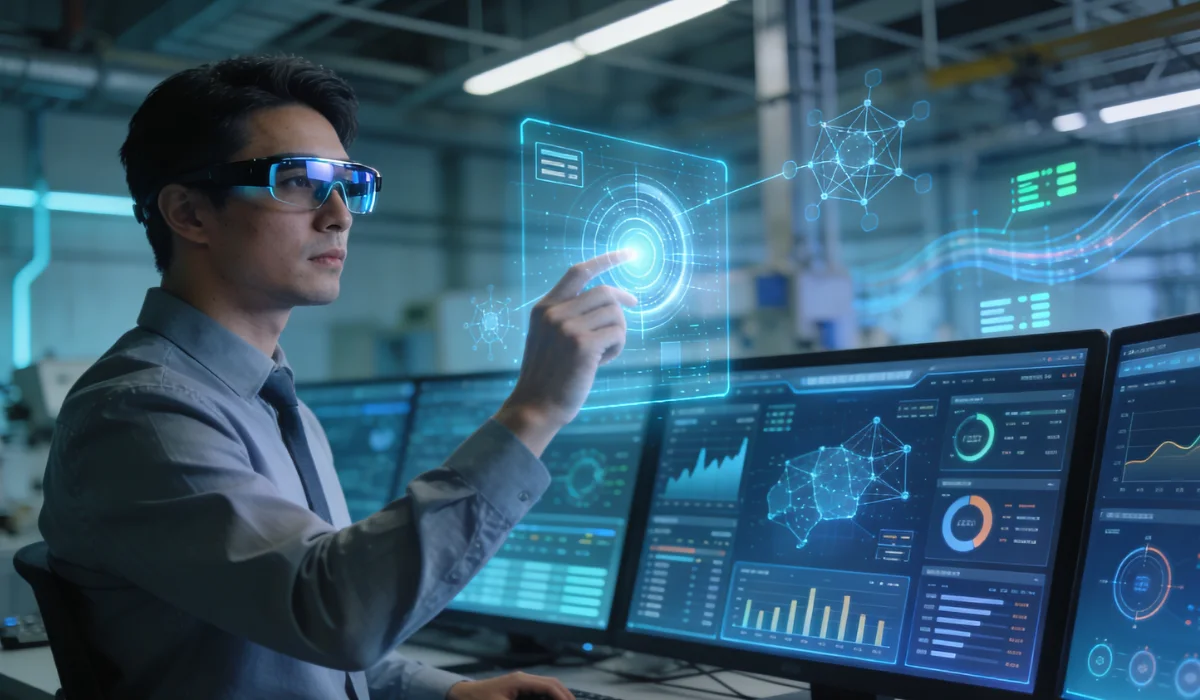
As industries move toward digital transformation and smart automation, HMI software development is becoming more advanced and intelligent. Modern HMI systems now integrate artificial intelligence, predictive analytics, machine learning, and IoT technologies.
With innovations such as voice-enabled interfaces, mobile HMI applications, and augmented reality, HMI development is shifting from simple control systems to intelligent decision-support platforms. These technologies help operators anticipate problems, optimize processes, and respond proactively instead of reactively.
The future of HMI application development lies in creating adaptive systems that learn from operator behavior and continuously improve usability.
Conclusion
HMI design plays a crucial role in determining how efficiently operators perform tasks and how often errors occur. Well-planned HMI software development empowers operators by presenting information clearly, reducing mental effort, and supporting fast, accurate decision-making.
In contrast, poorly designed HMI software increases confusion, cognitive load, and operational risk. In modern industrial systems, effective HMI development is not just a design choice; it is a strategic investment in productivity, safety, and long-term business success.
By focusing on human-centered HMI application development, organizations can significantly improve operator performance, reduce costly errors, and build more reliable and intelligent systems.
Frequently Asked Questions
1. What is HMI software, and why is it important?
HMI software is the platform that enables communication between humans and machines through graphical interfaces. It is important because it allows operators to monitor systems, control processes, and make real-time decisions efficiently and safely.
2. How does HMI design affect operator efficiency?
Good HMI software development improves operator efficiency by presenting information clearly, reducing cognitive load, and enabling faster navigation. A well-designed interface minimizes confusion and helps operators complete tasks more quickly and accurately.
3. What are the common mistakes in HMI development?
Some common mistakes in HMI development include information overload, poor alarm management, inconsistent layouts, and ignoring user behavior. These issues often lead to higher error rates and reduced productivity.
5. How does HMI software help reduce human errors?
HMI software reduces human errors by providing real-time feedback, clear alerts, intuitive navigation, and visual data representation, enabling operators to detect and correct issues before they escalate.
6. How can Softude help with HMI software development?
Softude offers end-to-end HMI software development services, including UI/UX design, system integration, custom dashboards, and real-time data visualization to build user-friendly and scalable HMI solutions.
7. Does Softude provide custom HMI application development?
Yes, Softude specializes in HMI application development, delivering tailored solutions based on specific industry requirements, operational workflows, and user needs.
8. Can Softude modernize legacy HMI software?
Yes, Softude helps organizations upgrade and modernize existing HMI software by improving usability, performance, security, and compatibility with modern systems.
9. Why choose Softude for HMI software services?
Softude combines domain expertise, user-centered design, and advanced HMI software development practices to deliver reliable, scalable, and high-performance HMI solutions that improve operator efficiency and reduce errors.