Softude
The way developers write code is changing faster than ever. Late-night debugging sessions, endless boilerplate, and constant context switching are being replaced by intelligent suggestions, instant explanations, and AI-powered refactoring. At the center of this transformation are two standout AI coding tools: Cursor AI and GitHub Copilot.
Both promise speed, accuracy, and smarter workflows- but they deliver these benefits in very different ways. In this deep-dive comparison of Cursor AI vs Copilot, we will explore how each tool feels in real-world development, why developers are excited about them, and which one can truly elevate your productivity and creativity as a coder.
Why Are AI Coding Tools Becoming Every Developer’s Secret Weapon?
Modern software development is no longer just about writing lines of code- it is about thinking, problem-solving, and shipping faster without sacrificing quality. AI coding tools step in as intelligent partners that reduce friction and amplify focus.
Developers rely on AI coding assistants to:
- Eliminate repetitive and boring coding tasks
- Instantly recall syntax and best practices
- Explore new languages and frameworks with confidence
- Understand complex or unfamiliar codebases
- Spend more time designing solutions, not searching for answers
In short, AI coding tools do not just save time- they make coding more enjoyable.
What Makes Cursor AI Feel Like a True AI Pair Programmer?
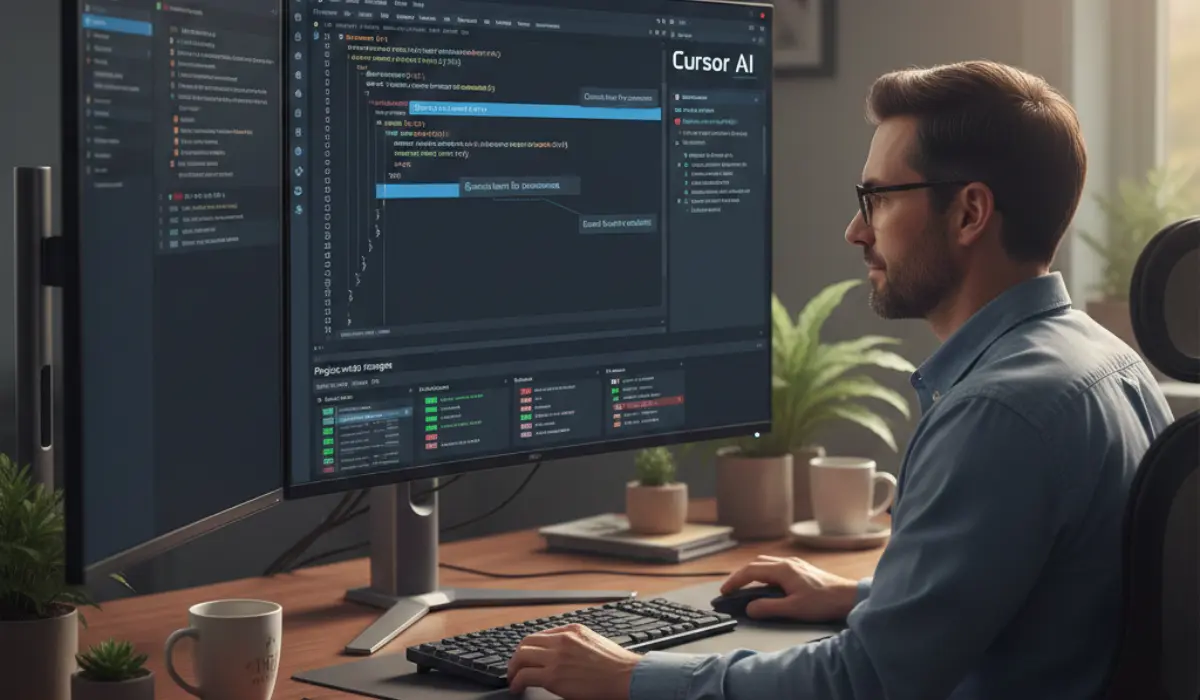
Cursor AI is not just an add-on, it is an AI-first coding environment built to think alongside you. Based on Visual Studio Code, Cursor takes AI assistance beyond autocomplete and turns it into an interactive, conversational experience.
What truly sets Cursor AI apart is its ability to understand your entire project, not just the file you are working on. You can ask it to:
- Rewrite or refactor large sections of code
- Explain why something breaks and how to fix it
- Apply changes across multiple files using plain English
- Help you understand legacy or unfamiliar code
Using Cursor AI feels less like typing code and more like collaborating with a highly knowledgeable teammate who never gets tired.
Why Does GitHub Copilot Feel So Effortless and Addictive?
GitHub Copilot became popular for one simple reason: it fits seamlessly into how developers already work. There is no learning curve, no complex commands; it just starts helping the moment you begin typing.
Copilot excels at:
- Predicting your next line of code with impressive accuracy
- Generating full functions from short comments
- Supporting a wide range of languages and frameworks
- Keeping you in a smooth, uninterrupted coding flow
Many developers describe Copilot as “muscle memory for coding”- it quietly accelerates your work without demanding attention.
How Does Cursor AI vs Copilot Change the Daily Coding Experience?
The real difference between Cursor AI and Copilot becomes clear during everyday development.
With Copilot, productivity comes from speed. You write less, think less about syntax, and finish tasks faster. It is perfect for repetitive logic, APIs, and standard patterns.
With Cursor AI, productivity comes from clarity and control. You can step back, describe what you want, and let the AI help you reshape your code intelligently. It shines during refactors, debugging sessions, and architectural changes.
One tool accelerates your hands; the other expands your thinking.
Which Tool Helps You Code with More Creativity and Confidence?
Coding is not just technical- it is creative. The right AI coding tool can boost confidence and encourage experimentation.
Copilot builds confidence by:
- Reducing fear of syntax errors
- Helping developers explore unfamiliar tools quickly
- Making coding feel smoother and less intimidating
Cursor AI inspires creativity by:
- Allowing high-level problem solving in natural language
- Helping developers explore “what if” scenarios
- Making complex changes feel manageable rather than risky
Depending on your mindset, either tool can make coding feel exciting again.
How Do These AI Coding Tools Handle Large, Complex Codebases?
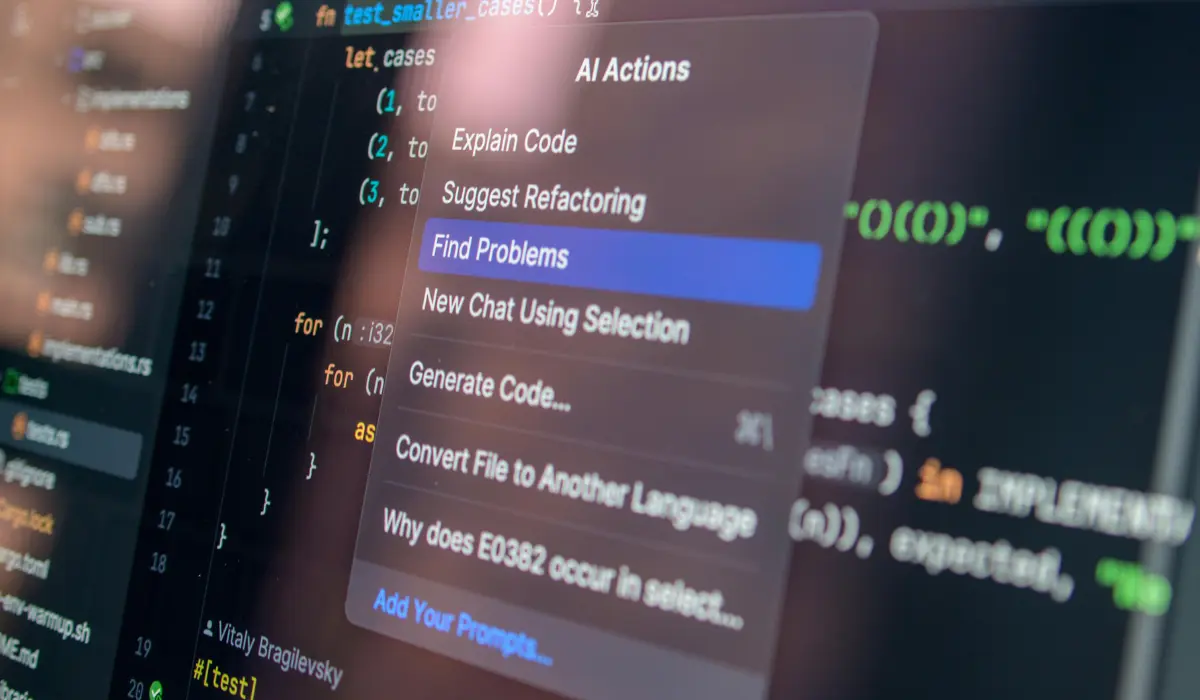
Complex projects often slow developers down, not because of writing code, but because of understanding it.
Copilot works best when:
- Code is modular and predictable
- Tasks are localized to specific files
- You already understand the architecture
Cursor AI excels when:
- Codebases are large or poorly documented
- You need explanations, not just suggestions
- Refactoring impacts multiple components
For developers working with enterprise systems or long-lived projects, Cursor AI can feel like a revelation.
What About Speed, Performance, and Workflow?
Speed matters, but so does flow. Copilot is lightning-fast and nearly invisible. It enhances productivity without breaking concentration.
Cursor AI is more interactive and intentional. While it may take a moment longer to respond, the depth of insight often saves hours later.
Choosing between them depends on whether you prefer quick momentum or deep understanding.
Which AI Coding Assistant Is Better for Teams and Long-Term Projects?

For teams, the Cursor AI vs Copilot decision often comes down to collaboration style.
Copilot works beautifully for:
- Agile teams focused on rapid feature delivery
- Developers with established coding standards
- Minimal workflow disruption
Cursor AI benefits teams that:
- Regularly refactor or modernize code
- Onboard new developers into complex systems
- Value shared understanding of architecture
Both tools can coexist, each serving a different purpose within the same team.
Cursor AI vs Copilot: Which One Truly Boosts Developer Productivity?

The truth is, there is no single winner. The real power lies in choosing the tool that complements how you think and code.
Choose GitHub Copilot if you want:
- Instant speed and simplicity
- A smooth, hands-on coding experience
- Effortless productivity gains
Choose Cursor AI if you want:
- Deep reasoning and contextual understanding
- Conversational, high-level code control
- Confidence when working with complex systems
Both AI coding tools are reshaping development, and using either can make you a faster, smarter, and more confident developer.
FAQs
Is Cursor AI better than Copilot for advanced development work?
Yes, Cursor AI is often better for advanced tasks like large-scale refactoring, debugging, and understanding complex codebases.
Does GitHub Copilot help beginners learn coding faster?
Absolutely. Copilot’s inline suggestions help beginners grasp syntax, patterns, and best practices quickly.
Can AI coding tools replace human developers?
No. AI tools enhance productivity but still rely on human judgment, creativity, and decision-making.
Is it safe to use AI-generated code in production?
AI-generated code should always be reviewed. Both Cursor AI and Copilot can make mistakes or overlook edge cases.
Can developers use both Cursor AI and Copilot together?
Yes. Many developers use Copilot for fast coding and Cursor AI for deeper understanding and refactoring.
As AI coding tools continue to evolve, one thing is clear: the future of development is not just faster- it is smarter, more creative, and far more exciting. Whether you choose Cursor AI, Copilot, or both, you are stepping into a new era of developer productivity.